TPP:Using Petunia
First Step
Installing the TPP on Windows
Customizing Petunia
How to create a new account
- Using Windows File Explorer (i.e. My Computer...), navigate to the location of the installation of the TPP tools, typically this is under C:\Inetpub\tpp-bin\.
- Locate the users folder, and navigate into it.
- On a new installation, you should see one directory, guest. This contains data for that account.
- Make a copy of this folder (i.e. 'Copy of guest'), and rename this new folder to whatever you want the new username to be. Make sure you do not use spaces or other non-standard characters.
- The new account is now ready; log in through Petunia with the 'guest' password.
- Once you log in, go to the Manage My Account tab in Petunia to change the password!.
How to disable the 'guest' account
- Make sure you have other accounts active before deleting the guest account from your system.
- Using Windows File Explorer (i.e. My Computer...), navigate to the location of the installation of the TPP tools, typically this is under C:\Inetpub\tpp-bin\.
- Locate the users folder, and navigate into it.
- Delete (or rename) the directory named guest.
How to change the location of the data files
Note: if using a removable or network drive, you will need to ensure that the drive is always mounted as the same letter.
- First, make sure that the Apache webserver is able to serve content
from the new data folder.
- Find the httpd.conf file; typically under C:\Program Files\Apache Software Foundation\Apache2.2\conf\
- Make a copy of this file and keep it as a backup, in case you need to revert to it.
- Open the file in your favorite text editor (i.e. Wordpad), and
scroll to near the end.
- Find the line that reads <Alias /ISB
"C:/Inetpub/wwwroot/ISB">.
- Change the directory path within the quotes to the new location.
- Find the line that reads <Alias /schema "C:/Inetpub/wwwroot/schema">, and change as above.
- Finally, find the line that reads <Directory "C:/Inetpub/wwwroot">, and change as well.
- Please make note of the forward slashes and case-sensitivity when making these changes, and don't forget the quotes!
- Also, make sure you copy everything from the original location (i.e. everything under C:/Inetpub/wwwroot) to new new data directory.
- Find the line that reads <Alias /ISB
"C:/Inetpub/wwwroot/ISB">.
- Save the modified file, and restart Apache for the changes to take effect.
- Second, modify the Petunia code to point to the new data location:
- You can usually find the Petunia code under C:\Inetpub\tpp-bin\tpp_gui.pl.
- Open this file with your favorite text editor, and modify the following 2 lines:
my $www_root = "C:/Inetpub/wwwroot/"; # full path to web server root
my $data_dir = "${www_root}ISB/data/"; # full path to data directory top-level
to reflect the new location. For example:
my $www_root = "E:/Proteomics/wwwroot/"; # full path to web server root
my $data_dir = "${www_root}Data/TPP_data/"; # full path to data directory top-level
- Save this file, and log into Petunia.
Using Petunia
Petunia is the name for the Web Interface for interacting with the TPP tools.
Accessing Petunia (Windows)
- To access Petunia open a Web Browser and refer it http://localhost/tpp-bin/tpp_gui.pl
- If you have a Petunia icon entitled TPP Web Tools on the Desktop you can access the interface by clicking on the icon.
- You may also find Petunia in Start → Program Files → TPP → TPP Web Tools.
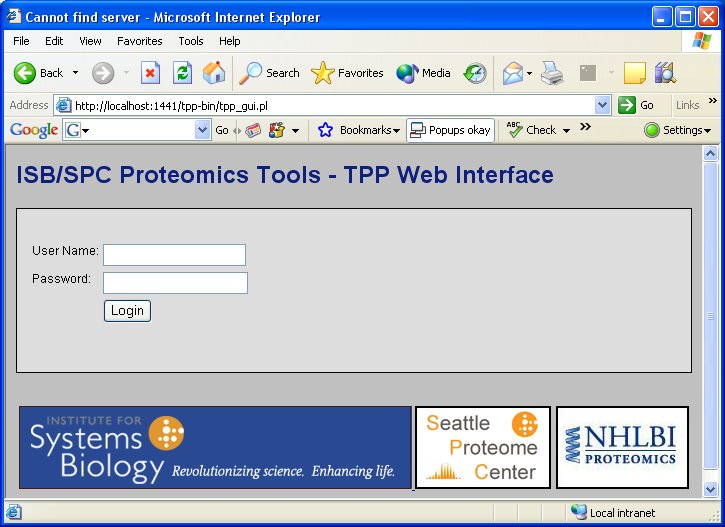
- You should be presented with a Login page asking for a user name and password. The default login authentication: Username: guest, Password: guest
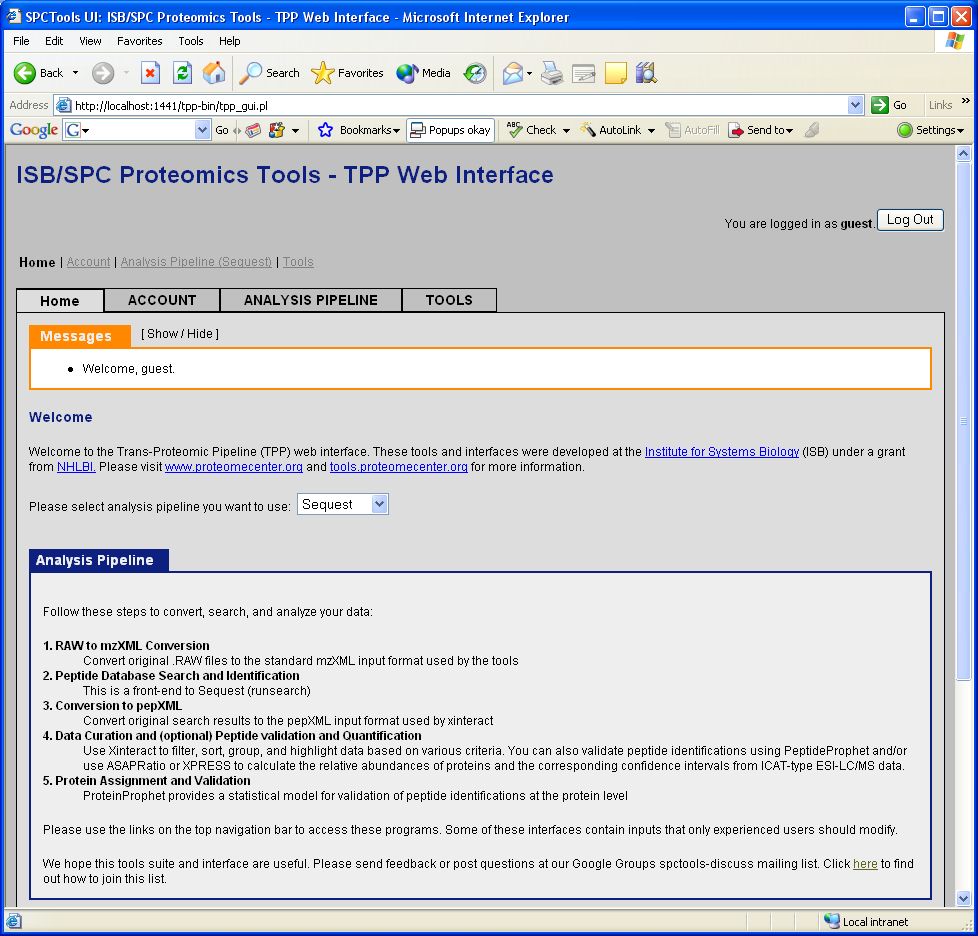
- If login was successful the next page will be a Welcome page.
Next Step
Example Data Analysis
Author
original author: David Shteynberg